
Power Station Ports Explained: AC, USB-C PD, DC, TT-30 and Solar Input
The short answer: a power station has two kinds of ports. Outputs power your devices: AC outlets for appliances and chargers, USB-C PD for laptops and phones, USB-A for small gadgets, DC5521 and a 12V car port for low-voltage gear, and sometimes a TT-30 (RV) or L14-30 (240V) outlet. Inputs recharge the station: AC wall charging, a solar input (XT60 or Anderson connector), a car port, and sometimes USB-C. What matters most when comparing models is how many grounded AC outlets there are, the USB-C PD wattage, and the solar input limit.
Output Ports: Powering Your Devices
| Port | What it powers | Key spec to check |
|---|---|---|
| AC outlet (120V) | Anything that plugs into a wall: appliances, laptop chargers, medical devices | Count, spacing and whether they are grounded |
| USB-C PD | Laptops, tablets, phones, cameras, drones, e-bikes | Wattage: 30W, 60W, 100W, or up to 140W |
| USB-A | Phones, headsets, smartwatches, action cameras | Usually 10-18W; no high-power PD |
| DC5521 (barrel) | Routers, LED strips, small 12V gear | About 12V at 2-3A (roughly 24-45W) |
| 12V car port | Car-style accessories: air pumps, small car fridges | Often 10A, about 120-126W |
| TT-30 (RV) | An RV's 30A shore-power cord | 120V, 30A; practically about 3,300W of the 3,600W nominal |
| L14-30 (locking) | Transfer switches and some 240V gear | 120/240V, four-prong |
Examples from units we cover: the Anker SOLIX C2000 Gen 2 has AC outlets at 2,400W, a TT-30 RV port, USB-A, and three USB-C ports up to 140W each; the Jackery Explorer 1000 v2 has three AC outlets and USB-C at 30W and 100W; the EcoFlow River 3 has USB-C at 100W and a 126W car port; the Bluetti AC200L has a 30A RV outlet; and the EcoFlow DELTA Pro 3 lists both 120V and 240V outputs.
AC Outlets: Count, Spacing and Grounding
- Count: it matters if you run a fridge, a fan, and a CPAP at once. The Anker C1000 Gen 2 has six AC outlets, the Bluetti Elite 100 V2 four, and the Jackery 1000 v2 only three, with spacing OutdoorGearLab found tight for bulky plugs.
- Grounded outlets: not every outlet is grounded. OutdoorGearLab noted the EcoFlow DELTA 3 has six AC outlets but only three are grounded, so plug three-prong devices into the grounded ones.
- Pure sine wave: compressors and medical devices need it; all the mainstream units in our reviews provide it.
AC outlets are what make a power station different from a power bank: they run real appliances, not just USB gadgets.
USB-C PD: Look for the Wattage
USB Power Delivery moves up to 20V at 5A, or 100W, on standard cables; newer extended-power cables can carry more (140W and up). A 20W port won't meaningfully fast-charge a laptop, so look for 60W or more if laptops matter, and 100W for demanding ones. Many stations also let you charge e-bikes and scooters from AC; see our e-bike charging guide.
DC5521, 12V Car Port and Anderson Output
DC5521 is a round barrel plug for small 12V loads. The 12V car port (cigarette-lighter style) handles accessories under its amp rating, often 10A, so check the accessory's draw; heavier DC loads are better run from an AC outlet through a quality 12V supply. If a device lists amps, our watts to amps calculator converts it. Some stations add an Anderson output for higher-current 12V gear in RVs and trailers.
TT-30 and L14-30: RV and 240V Outlets
A TT-30 is the 30A RV outlet that lets you plug a trailer's shore-power cord straight into the station. It is 120V only, so it can't run 240V or two-leg 50A appliances, and you should use a 30A-rated adapter and 10-gauge cable. An L14-30 is a locking four-prong 120/240V outlet used with transfer switches and generator inlets. If you want to feed a house circuit or a hard-wired appliance, you need an electrician and a transfer switch or interlock, never a plug-to-plug cord. See our RV AC soft start guide and mini split guide.
Input Ports: Recharging the Station
| Port | What it's for |
|---|---|
| AC input | Wall charging, usually the fastest |
| Solar input (XT60, Anderson, DC7909 or similar) | Solar panels; the station's maximum volts, amps and watts cap what it accepts |
| Car port or alternator input | Charging from a vehicle, slower than AC or solar |
| USB-C PD input | Some compact units recharge from a high-wattage USB-C charger |
The solar input type and its limit decide how you wire panels: see our solar panel sizing guide for the limits of popular stations, and how to connect multiple solar panels.
What to Compare When You Shop
- Grounded AC outlet count, not just total outlets.
- USB-C PD wattage (60W minimum for laptops).
- Solar input ceiling: extra panel watts beyond it don't charge faster.
- Simultaneous charging: some stations accept AC and solar at once, and pass-through behavior varies, so check before assuming.
- UPS or pass-through switchover time: a figure of 10 milliseconds or less is the usual target for sensitive electronics; see our UPS guide.
Disclosure: WattStation HQ may earn a commission if you purchase through links on this page, at no extra cost to you. This does not affect our rankings — see our editorial policy.
Frequently Asked Questions
What do the different ports on a power station do?
AC outlets run household appliances, USB-C PD charges laptops and phones fast, USB-A charges small devices, DC5521 and the 12V car port power low-voltage gear, and TT-30 or L14-30 outlets feed RV or 240V equipment. Input ports (AC, solar, car) recharge the station.
Can I charge a power station and power devices at the same time?
Most modern stations allow it (pass-through), but some slow the recharge or don't support it, so check your model. UPS-capable units switch to battery within milliseconds when grid power drops (Anker lists 10 ms for the C2000 Gen 2).
Does more USB ports mean a better power station?
No. A few high-wattage USB-C PD ports are more useful than many low-power USB-A ports. Focus on grounded AC outlets, PD wattage, and the solar input limit.
What is a TT-30 outlet?
A 120V, 30A RV outlet. It lets you plug in an RV's shore-power cord and powers the RV's 120V circuits, but not 240V or 50A loads.
Power Stations We'd Look At for This
Picked from our reviews for this scenario. Prices change often, so check the current price before you buy.
This page contains affiliate links. See our affiliate disclosure.
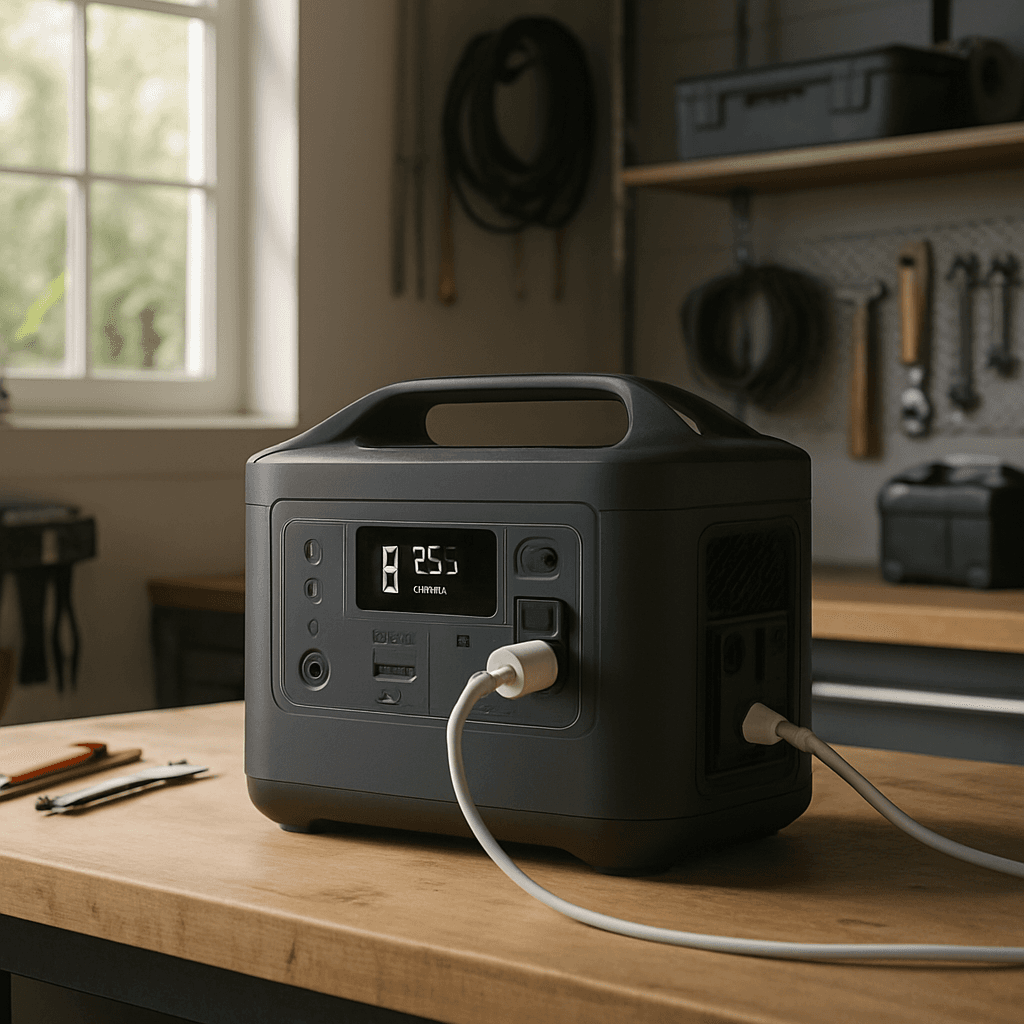
Bluetti Elite 200 V2
4.5/5 in our review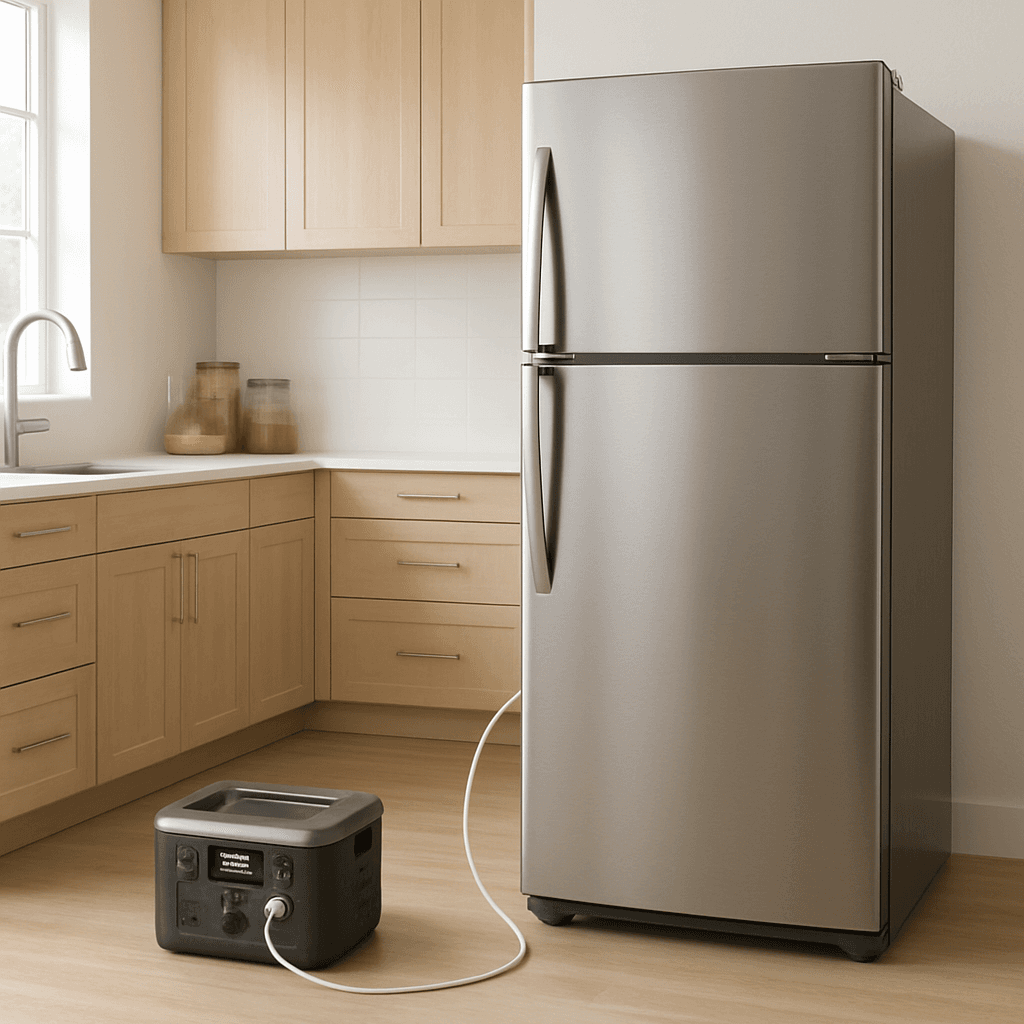
Jackery Explorer 2000 v2
4.5/5 in our review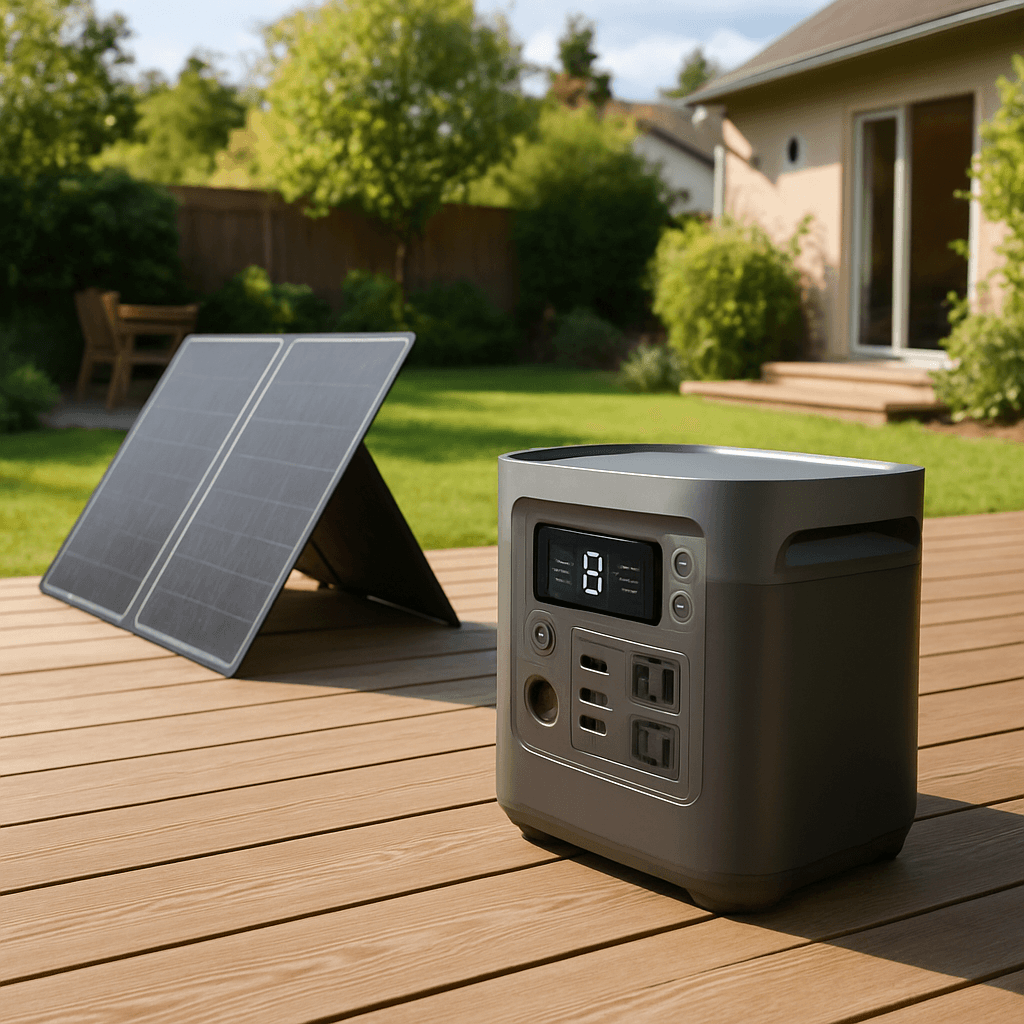
Bluetti AC200L
4.4/5 in our review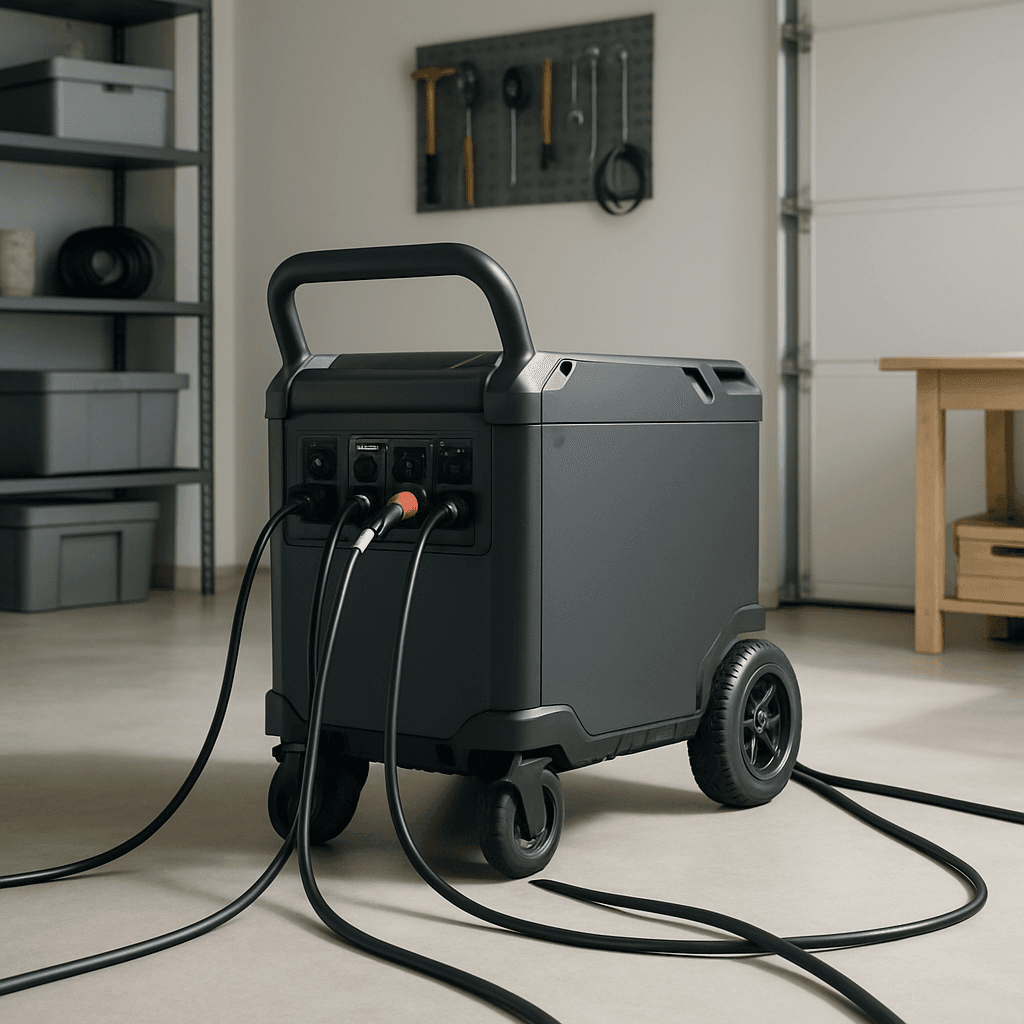
EcoFlow Delta Pro 3
4.4/5 in our reviewRelated Articles
 Solar & Technical Guides
5 Number Calculator for Solar Panel Sizing on Portable Power Stations
Size solar panels for a portable power station with five numbers: daily Wh, sun hours, a loss factor, panel watts, and your station's input limit. Worked examples, tested against real recharge times.
 Solar & Technical Guides
Calculate Watt Hours Fast: Turn a 20,000mAh Power Bank into 74 Wh
Watt-hours = amp-hours × volts. Here's how to convert mAh to Wh, size a battery from your device list, and why the number on the label is never what you actually get.
 Solar & Technical Guides
Size Pure Sine Wave Inverters Right: Use the 3-4x Surge Rule
A pure sine wave inverter needs headroom for startup surge, not just running watts. Here's how to size one correctly, and when you can skip it entirely.