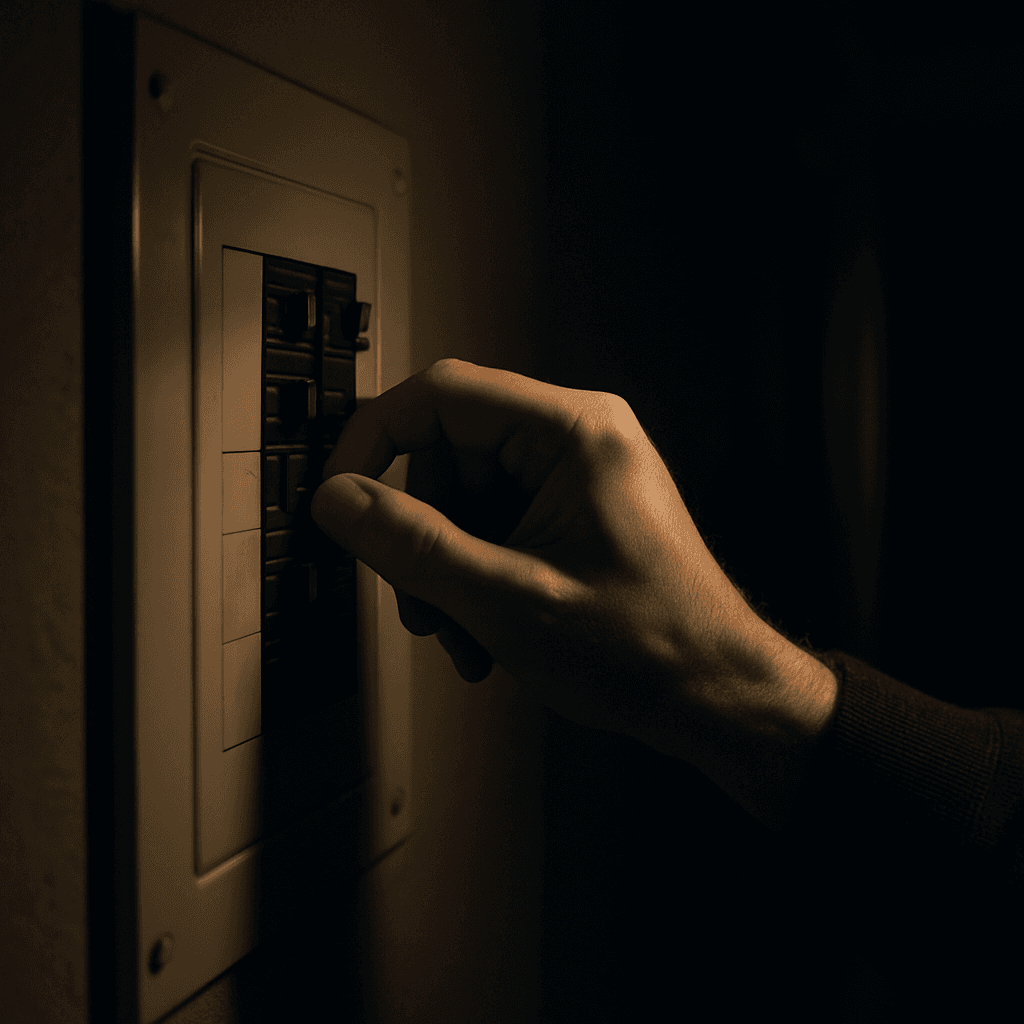
What to Do When the Power Goes Out: A Step-by-Step Guide
The short answer: check whether it is just your home or a wider outage, unplug sensitive electronics, keep the fridge and freezer closed, put any generator outdoors at least 20 feet from the house, and move medical and communication needs to backup power first. Food stays safe for about 4 hours in a refrigerator and about 48 hours in a full freezer (Ready.gov). Here is the step-by-step order for the first 15 minutes, then what to handle in the first hours.
The First 15 Minutes
Step 1: Check the scope
Look at neighbors' houses or your utility's outage map. If only your home is dark, check the breaker panel and main breaker before calling an electrician.
Step 2: Report it
If it is a wider outage and not on the utility's map, report it by app or phone. Repeated calls for an already-reported outage do not speed restoration. If you see a downed power line, assume it is live, stay far away, keep others away, and call 911 and your utility.
Step 3: Protect your electronics
Disconnect computers, TVs and appliances so a surge when power returns does not damage them. Ready.gov notes power can come back with brief surges or spikes, so keep equipment disconnected until it is stable. Leave one light switched on so you notice when power returns.
Step 4: Switch to backup power in priority order
Turn on your power station and connect, in this order: medical equipment, the refrigerator, communication (phone charging and the Wi-Fi router), then lighting. Use flashlights or LED lanterns rather than candles. See how long a power station will run your fridge and our wattage sizing guide.
Step 5: Keep the fridge and freezer closed
Every opening shortens the safe window. See the food safety section below.
Step 6: Text, don't call
Texts use less bandwidth and often go through when calls fail. Let a family member or neighbor know you are okay, especially in a storm.
Safety First
- Carbon monoxide: run generators and fuel outdoors, at least 20 feet from windows, doors and attached garages, and install working CO detectors on every level. Never use a gas stove or oven to heat your home, and never run a generator in a garage. A power station has no exhaust and can be used indoors.
- Connect equipment safely: use heavy-duty extension cords from a generator, keep it dry, and let it cool before refueling. Never back-feed your house wiring with a plug-to-plug cord; a transfer switch needs a licensed electrician.
- Extreme heat or cold: go to a community location with power if temperatures get dangerous, and check with local officials for open heating and cooling centers.
- Water and supplies: keep a supply of nonperishable food and water on hand.
Food Safety
| Item | Safe window if kept closed |
|---|---|
| Refrigerator | about 4 hours |
| Full freezer | about 48 hours |
| Half-full freezer | about 24 hours |
Discard food that has reached 40°F or higher and perishable food that has been above 40°F for more than 2 hours (or has an off smell, color or texture); the USDA says never to taste food to judge its safety (USDA). Freeze water bottles and ice packs beforehand to extend the time.
Medical Needs and Medications
Have a plan for refrigerated medicine and any power-dependent medical equipment, and ask your provider how long medications can safely stay at higher temperatures. If the outage lasts more than a day, discard refrigerated medication unless its label says otherwise, and replace it with your doctor or pharmacist (Ready.gov). For a CPAP, see our CPAP outage guide and for oxygen or other devices our medical equipment guide.
Quick Checklist
- Check whether it is just your home or the whole area
- Report it if widespread; stay away from downed lines
- Unplug sensitive electronics
- Power on backup: medical, fridge, communication, lighting
- Keep the fridge and freezer closed
- Text, don't call, if networks are congested
- Generator outdoors, 20 feet away; CO detectors on
- Wait a few minutes after power returns before reconnecting electronics
If It Lasts Longer Than Expected
If restoration estimates keep slipping, shift to longer-term planning: our multi-day outage guide covers food, water and conserving capacity. How long outages really run varies by state; see our outage statistics by state. For storm-specific plans, see our hurricane checklist and winter storm guide. A surge protector strip protects anything you can't unplug and is worth buying before an outage, not during one.
Disclosure: WattStation HQ may earn a commission if you purchase through links on this page, at no extra cost to you. This does not affect our rankings — see our editorial policy.
Frequently Asked Questions
What should I do first when the power goes out?
Check whether it is only your home or a wider outage, then unplug sensitive electronics, keep the fridge and freezer closed, and move medical and communication needs to backup power. If you see a downed power line, stay far away and call 911 and your utility.
How long does food last in a fridge or freezer during a power outage?
About 4 hours in a refrigerator and about 48 hours in a full freezer (24 hours if half full) if the doors stay closed. Discard perishable food that has been above 40°F for more than 2 hours.
Is it safe to use a generator during a power outage?
Yes, outdoors only, at least 20 feet from windows, doors and attached garages, with working CO detectors in the house. Never run one in a garage or enclosed space. A power station has no exhaust and can be used indoors.
Should I call my utility every time the power goes out?
Only if the outage is not already on their outage map or app, and always if you see a downed line. Repeated calls for a known outage do not speed restoration.
How do I know if the outage is just my house?
Check whether neighbors have power or check your utility's outage map. If only your home is out, check the breaker panel first.
Power Stations We'd Look At for This
Picked from our reviews for this scenario. Prices change often, so check the current price before you buy.
This page contains affiliate links. See our affiliate disclosure.
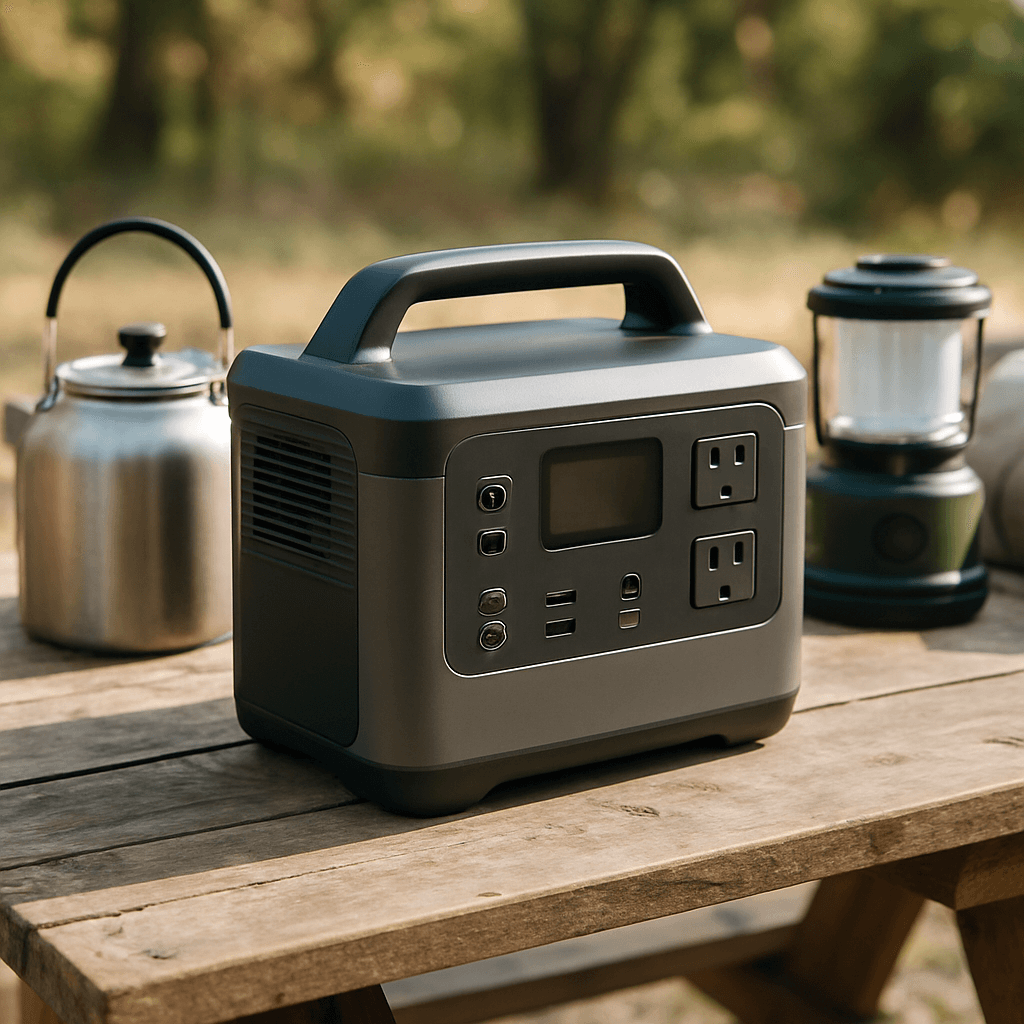
Jackery Explorer 1000 v2
4.4/5 in our review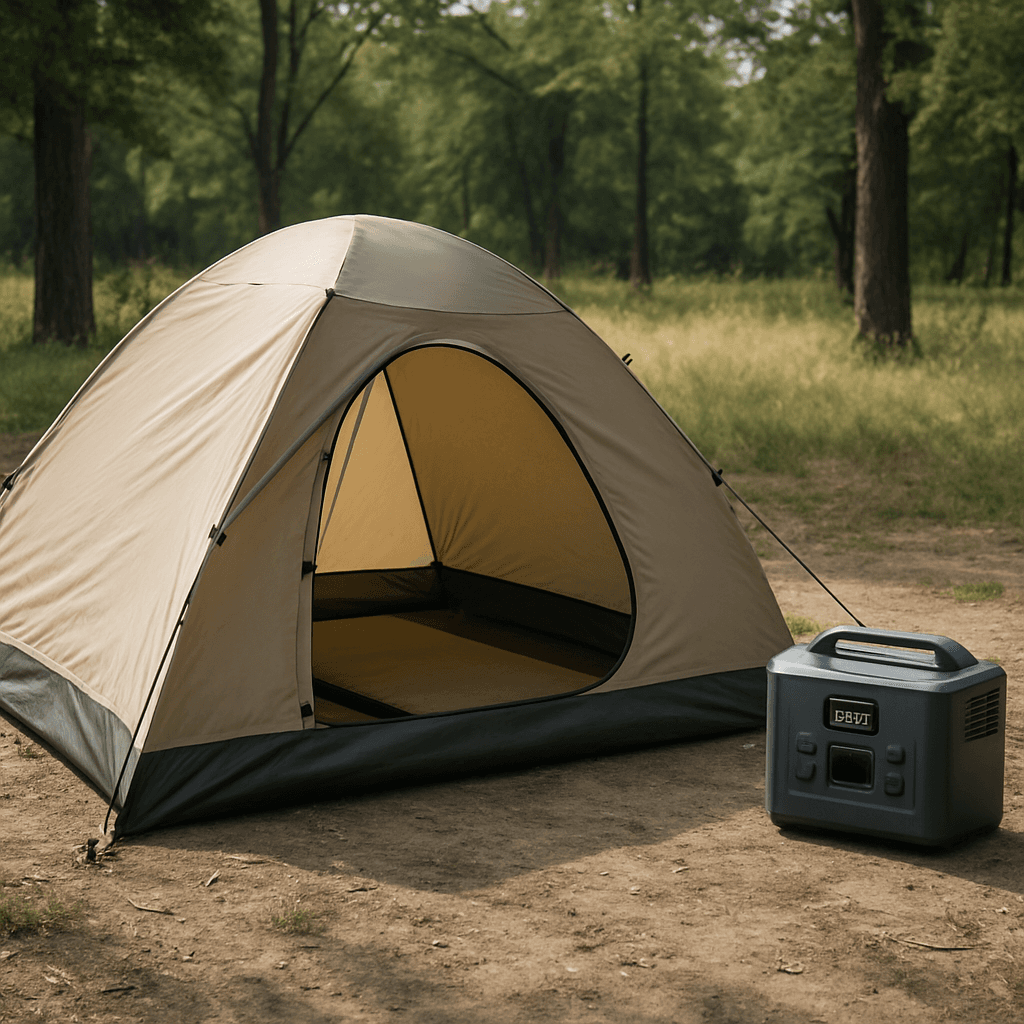
Bluetti AC70
4.3/5 in our review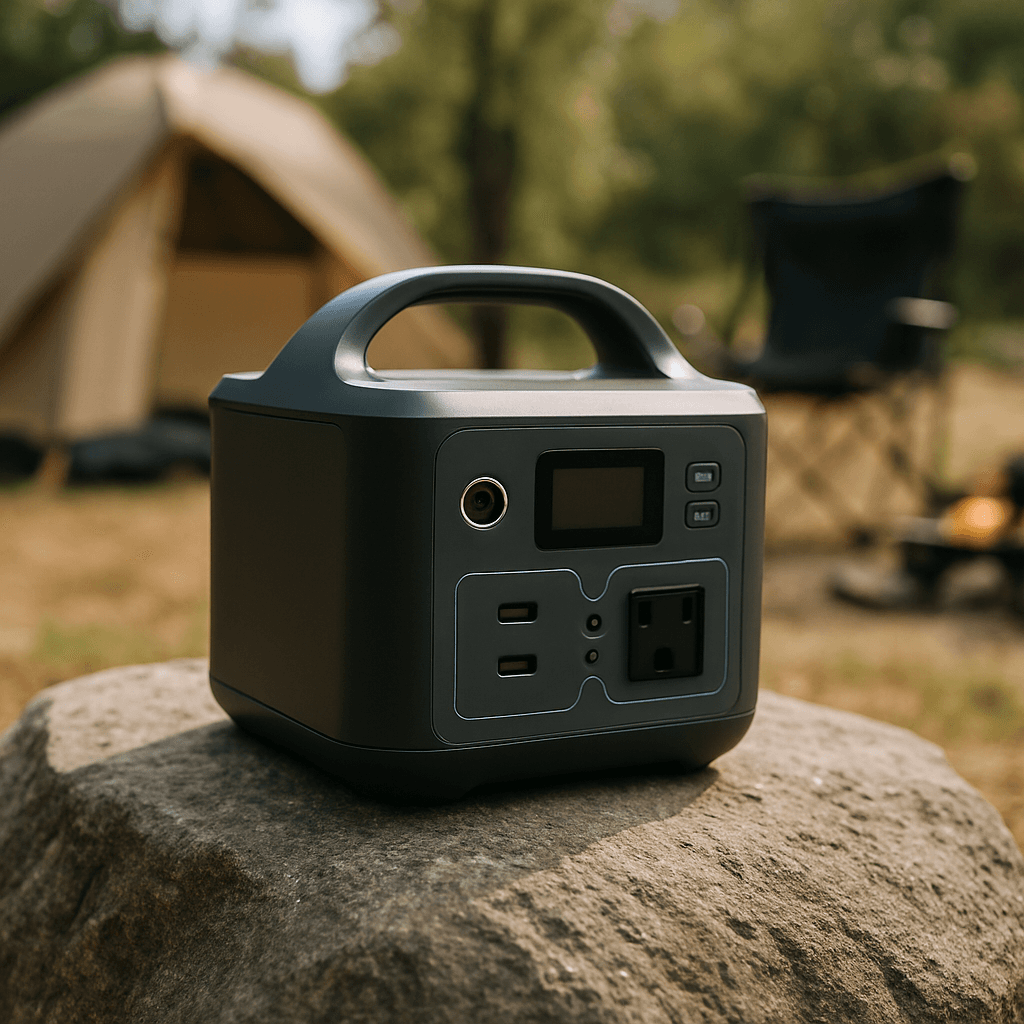
EcoFlow River 3
4.5/5 in our reviewRelated Articles
 Emergency Preparedness
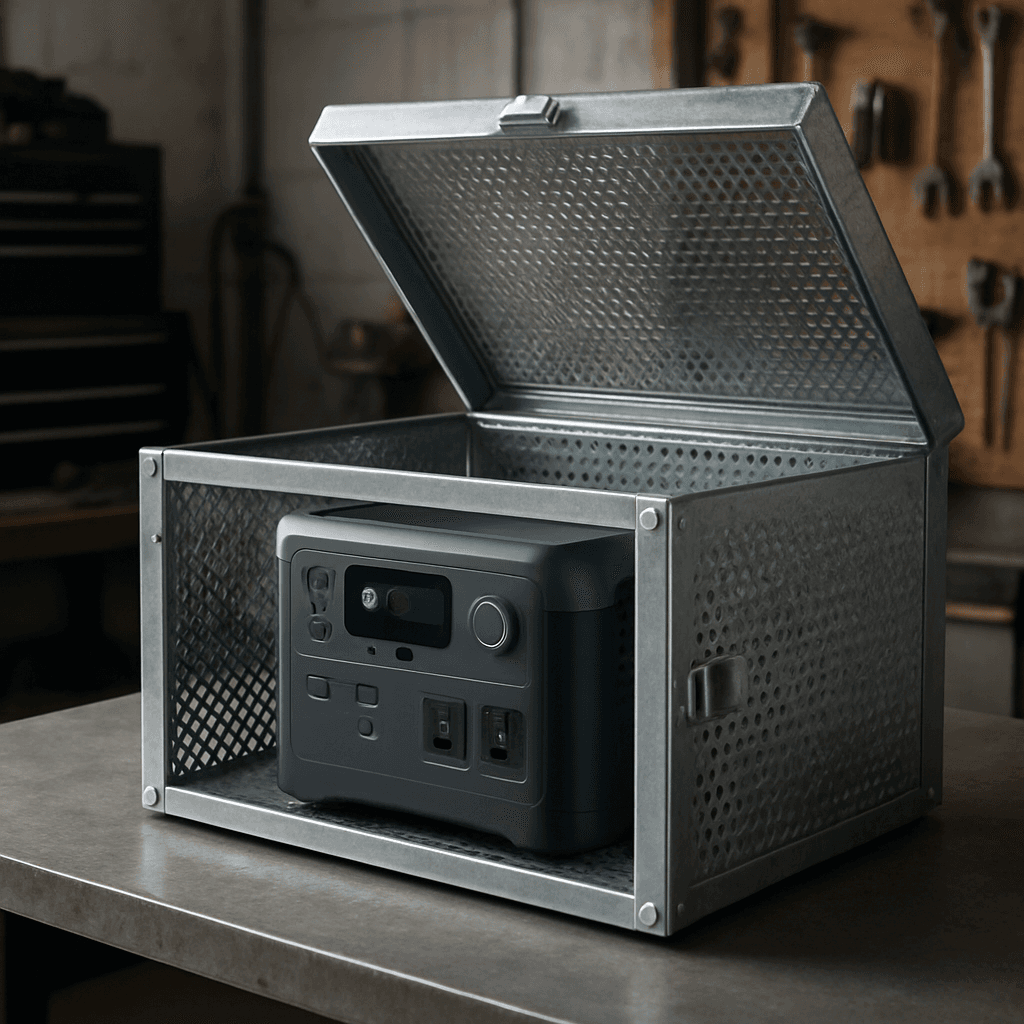
Can an EMP Destroy Your Power Station? What the Science Actually Says
Batteries are more EMP-resistant than most people assume, but the electronics inside a power station aren't. Here's the real science of EMP risk and Faraday cage protection.
 Emergency Preparedness
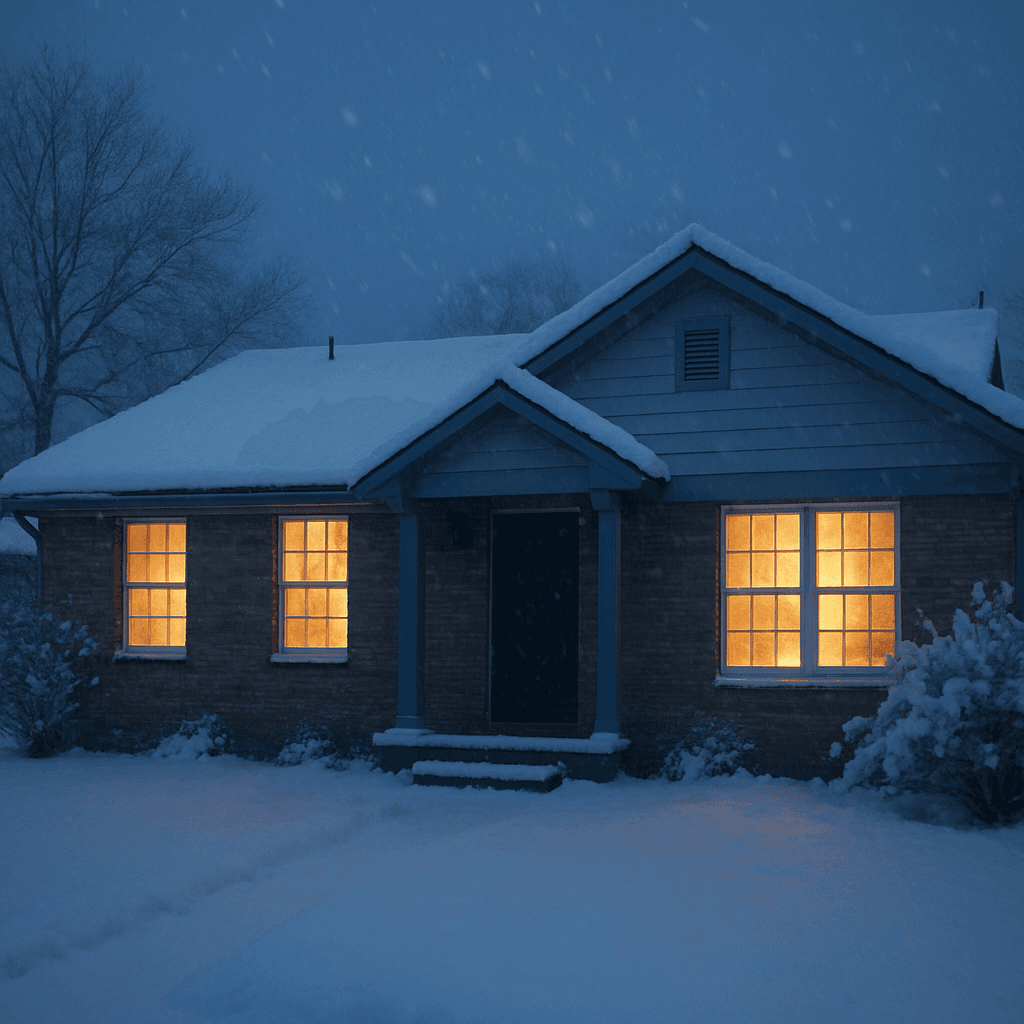
Winter Storm Power Outage Guide: Heat, CO Safety and Battery Needs
A 1,500W heater drains a 2,000Wh power station in about 1.3 hours. Plan winter-storm backup power with real math, carbon monoxide rules and a pre-storm checklist.
 Emergency Preparedness
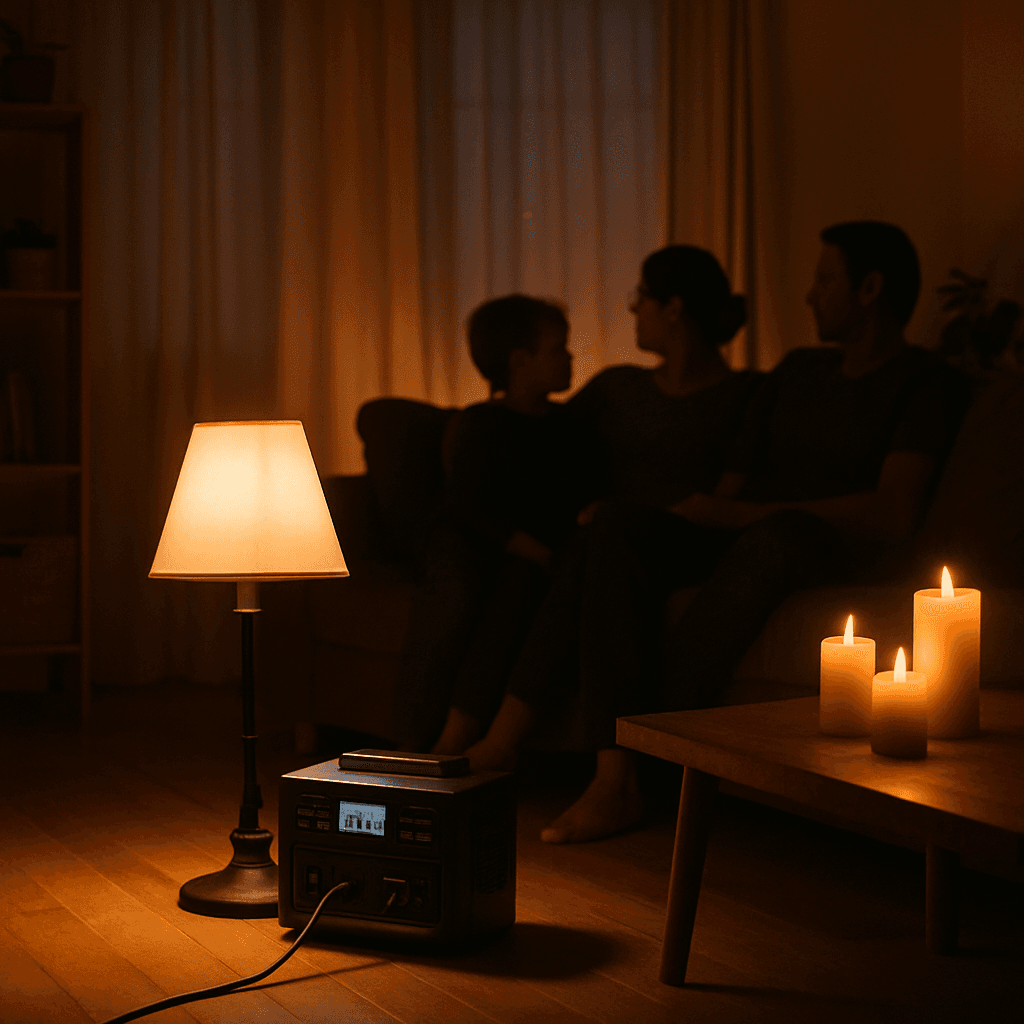
Preparing Your Home for a Multi-Day Power Outage
Multi-day outages require different planning than a brief interruption. Here's a complete household preparation checklist beyond just the power station.