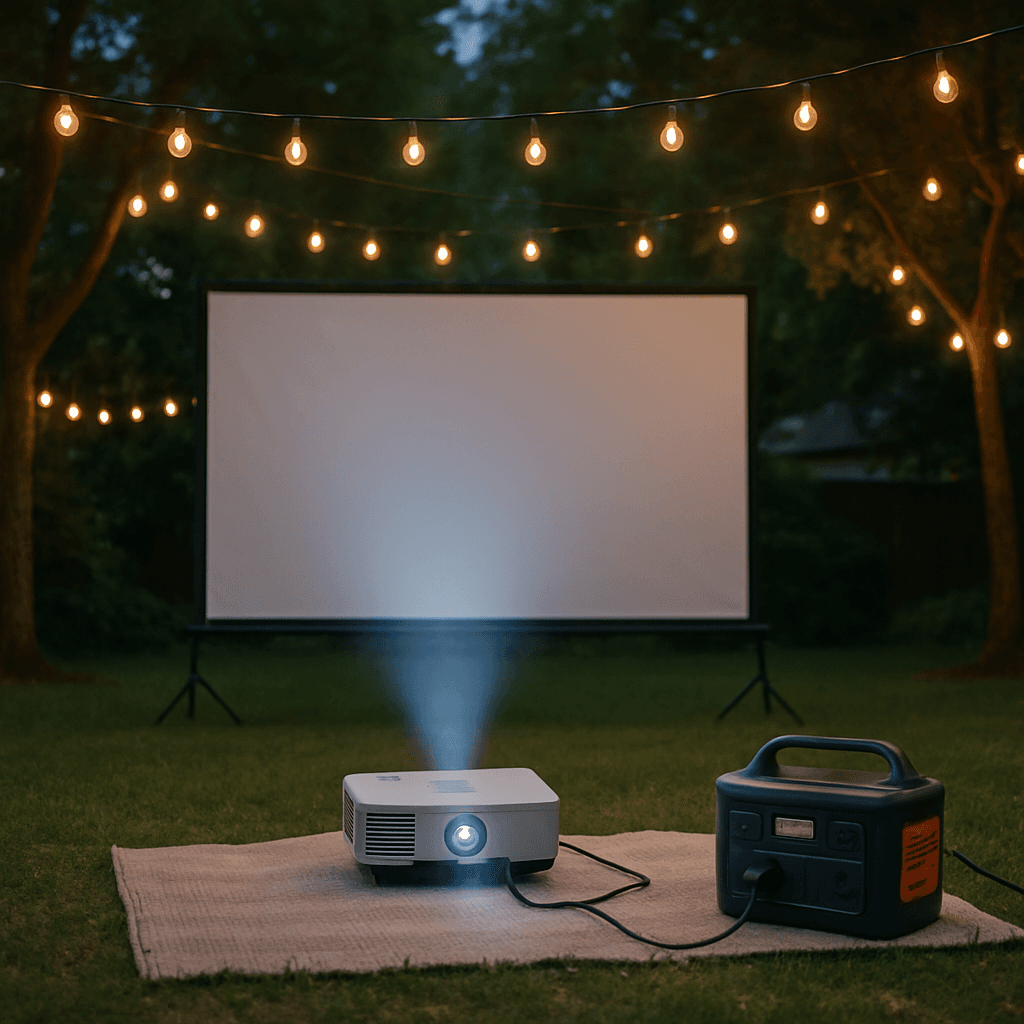
Setting Up a Power Station for a Backyard Movie Night
Backyard movie nights are a popular, low-stakes use case for a power station — no need to run an extension cord across the yard, and setup is genuinely simple once you know your equipment's power draw.
Typical Movie Night Equipment Load
| Equipment | Typical Watts |
|---|---|
| Projector | 150-300W (varies by model and brightness) |
| Soundbar or Bluetooth speaker | 20-60W |
| String/ambient lighting | 20-50W |
| Popcorn maker (if using one) | 800-1,200W |
Projector and speaker together are a modest, manageable load for nearly any power station — the popcorn maker, if you're using one, is the wildcard that requires meaningfully more output.
Recommended Sizing
For projector, speaker, and ambient lighting alone (a typical 2-3 hour movie), even a compact unit like the EcoFlow River 3 (245Wh) comfortably covers the whole evening. If you're adding a popcorn maker or other higher-draw snack equipment, size up to ensure your continuous output rating covers the combined peak load.
Setup Tips
- Position the power station close to your projector and speaker to minimize cable runs across a yard where people will be walking.
- Check your projector's actual wattage, not just its brightness rating — higher-lumen projectors draw meaningfully more power, and this varies more between models than people expect.
- Test your setup before the actual movie night — confirm everything runs together without issue rather than discovering a problem mid-film.
A Nice Side Benefit: No Extension Cords
Beyond convenience, running your movie night off a power station avoids trip-hazard extension cords across the yard, which matters especially with kids or guests moving around in the dark during the event.
Don't Forget the Streaming Device
If you're pulling content from a streaming stick, Apple TV, or a laptop rather than a physical media player, add that to your equipment list — a streaming stick draws next to nothing (2-5W), but a laptop acting as the source pulls 40-65W, meaningfully more than people budget for when they're only thinking about the projector and speaker. If your Wi-Fi router doesn't reach the yard, factor in a Wi-Fi extender or hotspot too (typically 5-15W), since a streaming device with no signal is a dead movie night regardless of how much power you have.
Managing Condensation and Night Air
Outdoor movie nights run into the evening as temperatures drop, and dew can form on equipment left out for a few hours — keep your power station and any exposed cable connections off the grass on a dry surface or elevated stand, and avoid leaving it out for hours before the event starts if the forecast calls for heavy dew or damp conditions. This isn't usually a serious risk for an evening's use, but it's an easy thing to overlook when you're focused on the screen and speakers.
Making It a Recurring Setup
If backyard movie nights become a regular thing rather than a one-off, a few small upgrades pay off: a dedicated weatherproof storage bin for the power station and cables so setup takes minutes, a labeled power strip pre-wired for your specific equipment (projector, speaker, streaming device) so you're not re-plugging everything each time, and a spare set of charged batteries for wireless speakers or lighting so a dead battery doesn't stall the whole evening.
Frequently Asked Questions
How long can a power station run a projector and speaker?
A compact unit like the EcoFlow River 3 (245Wh) can run a typical projector and speaker combination for several hours — comfortably covering a full movie and then some. Check your specific projector's wattage for an exact calculation.
Can I charge my power station with solar during the day and use it that same night?
Yes — this is a common and practical approach for a planned event like a movie night, letting you top off during the day via solar panel and have a full charge ready by evening. See our solar recharge time guide to estimate charging duration for your panel setup.
Related Articles
 Use Cases
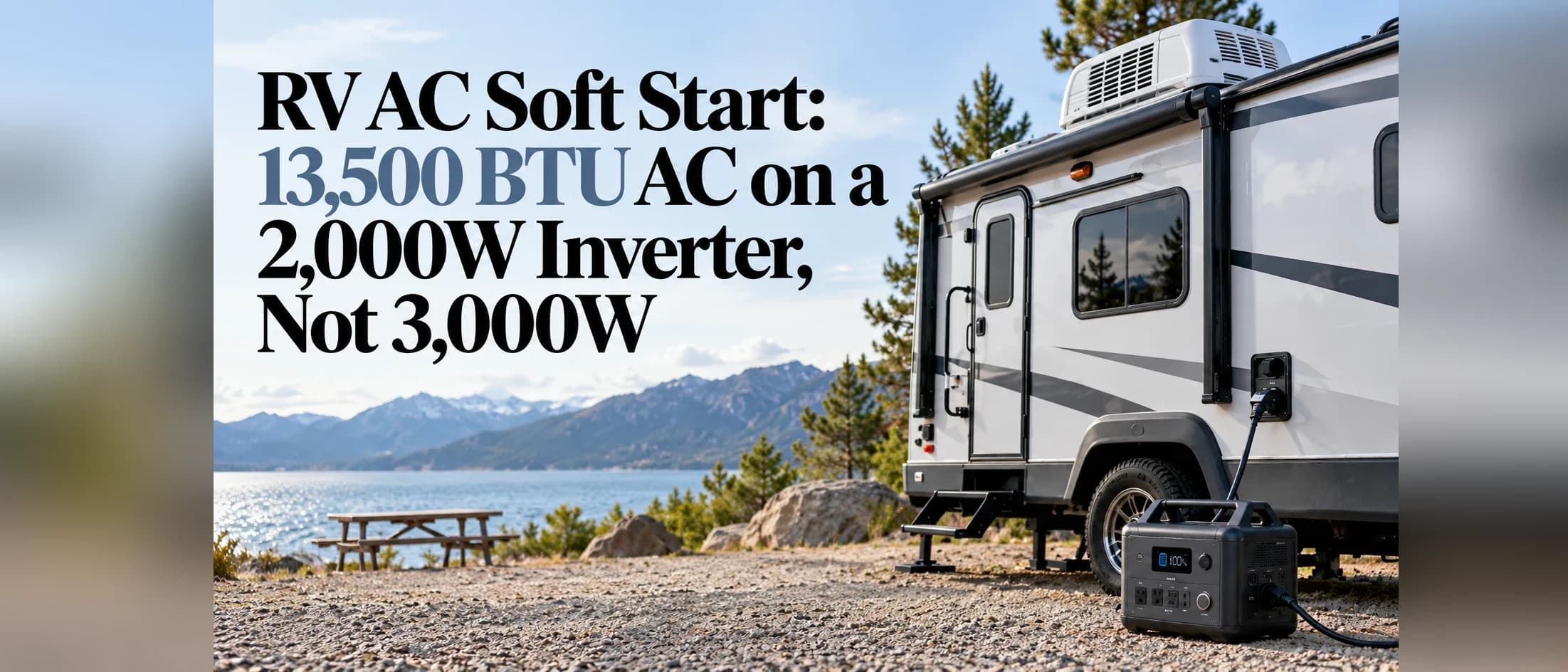
RV AC Soft Start: Run a 13,500 BTU AC on a 2,000W Inverter, Not 3,000W
A soft start can cut a 13,500 BTU RV air conditioner's startup surge by about two thirds. What that means for inverters and power stations, the real runtime math, costs, and when it is worth it.
 Use Cases
Can a Power Station Work as a UPS for Your Computer or Router?
Many power stations offer a UPS or EPS mode that switches to battery power during an outage. Here's how it actually works, and where it falls short of a dedicated UPS.
 Use Cases
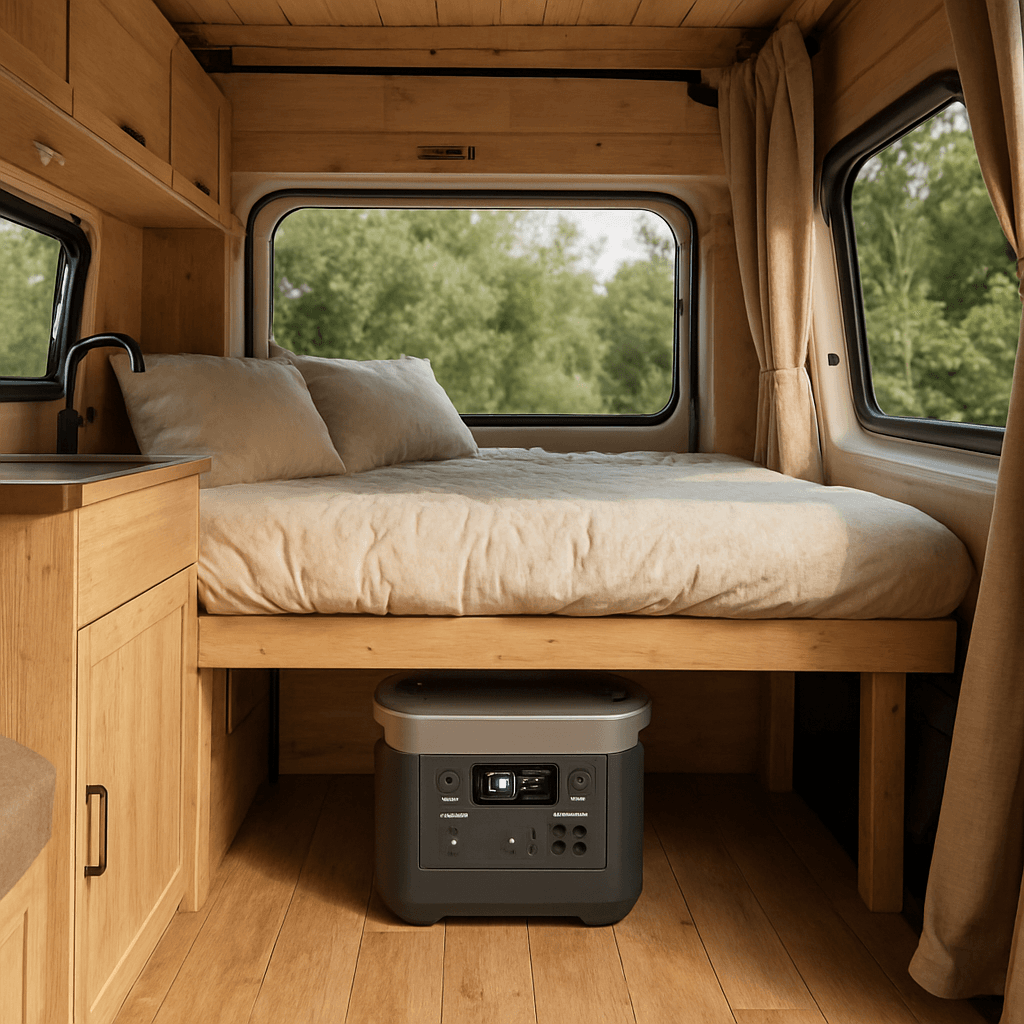
Portable Power Stations for Van Life: Complete Setup Guide
Everything you need to know to build a reliable power system for van life or full-time RV living, from sizing to solar to daily habits that make it last.